

I spent an embarrassing amount of time as a dog owner convinced that off-leash freedom was something only happened for other people's dogs. My Beagle mix, Biscuit, bolted twice in the first year I had her. Once at a park, once through a gap in the fence I didn't know existed. Both times ended fine, but my heart did not recover quickly. After the second escape I started researching GPS trackers and landed on the Tractive Smart Dog GPS Tracker. That was five months ago. Biscuit has had three more escape attempts since then, and I found her every single time in under two minutes. This guide is what I wish someone had handed me before I fumbled through the setup on my own.
The problem with off-leash dog safety isn't really about the gear, at first. It's about the plan. A GPS tracker without proper virtual fences, alert settings, and an understanding of how live tracking actually works is just an expensive collar accessory. Done right, though, it genuinely changes what's possible. You can let your dog run in an unfenced yard, on hiking trails, and at off-leash parks with a realistic fallback plan if she decides a squirrel is worth sprinting across two blocks for.
Your dog's next escape is a when, not an if. The Tractive GPS gives you a live location in seconds.
The Tractive Smart Dog GPS Tracker clips onto any collar, connects to cellular networks, and pings a location every 2-3 seconds in live mode. Setup takes about 10 minutes. The virtual fence feature triggers an instant push notification the moment your dog crosses a boundary you draw.
Amazon Check Today's Price on Amazon →Step 1: Choose the Right Mounting Setup Before You Clip It On
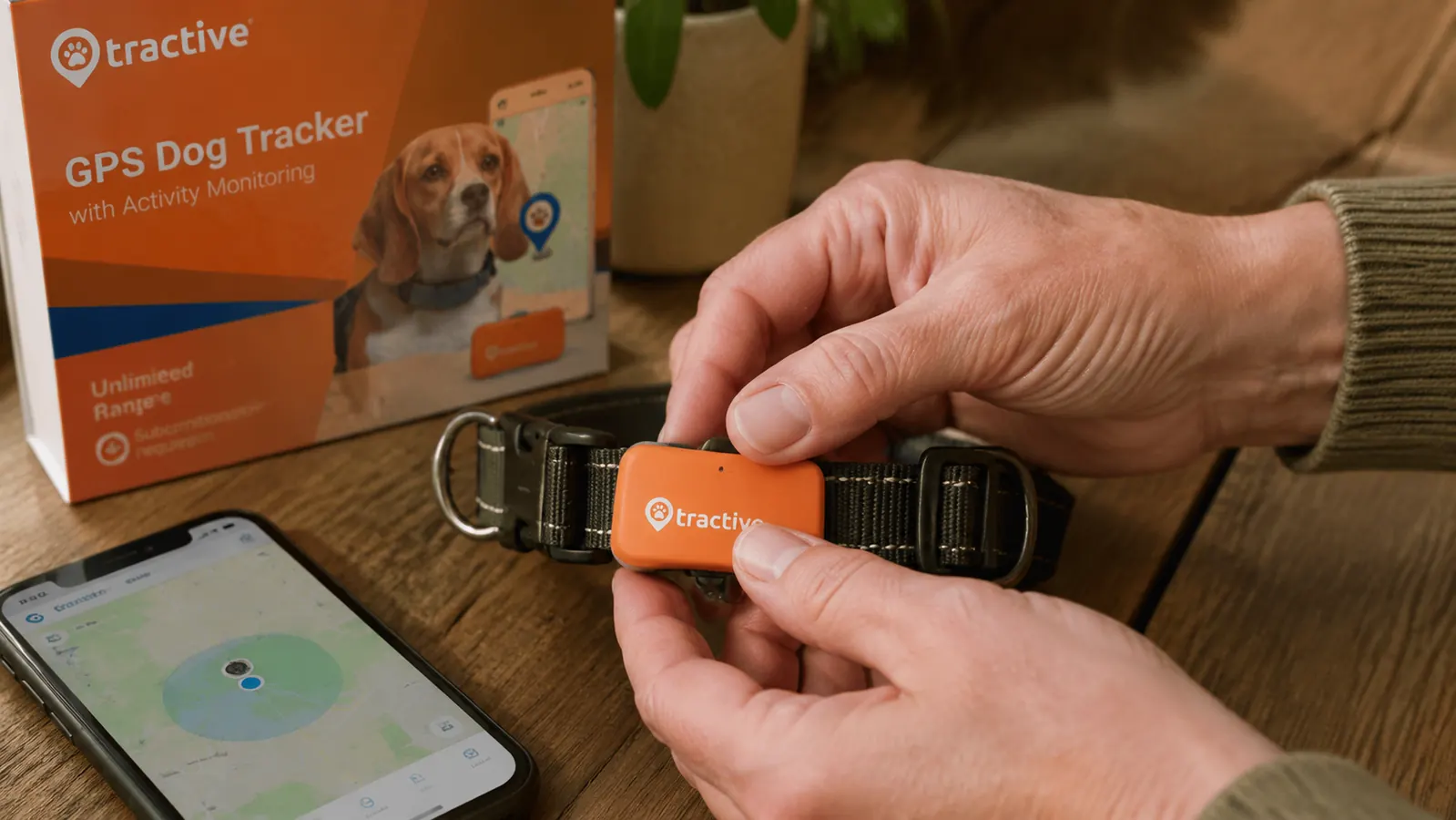
The Tractive unit itself is small, roughly the size of a thick matchbox, and it attaches to your dog's collar with the included clip. Before you even open the app, spend two minutes thinking about your dog's size, coat type, and how she wears her collar. On a large dog like a Lab or a Shepherd the tracker sits comfortably on a standard flat collar. On a smaller dog, or a dog with a thick neck roll, make sure the collar sits snugly enough that the tracker doesn't flip underneath and scrape the skin.
One thing the box doesn't spell out clearly: the tracker is rated IPX7 waterproof, meaning full submersion up to one meter for 30 minutes. That's genuinely useful if your dog is a swimmer. What it doesn't mean is that the clip attachment point is impervious to strong current. If you have a water-obsessed Retriever doing river crossings, I'd loop a thin strip of paracord through the tracker loop as a secondary backup. Took me 90 seconds to do and it hasn't budged in 20+ swims.
Also, before you activate the subscription and start setting things up, charge the unit fully. Plug it in, wait until the indicator light goes solid, and only then pair it to your phone. Starting setup on a partially charged unit leads to a mid-session disconnect that can make the app seem broken when it isn't.
Step 2: Pair the Tracker and Activate the Subscription
Download the Tractive GPS app (iOS or Android), create an account, and scan the QR code on the back of the tracker. The pairing process takes about three minutes and the app walks you through it clearly. What the app doesn't flag loudly enough is that the tracker requires an active cellular subscription to transmit location. The hardware purchase gives you a one-month trial, but after that you'll need a plan. Tractive offers monthly and annual options.
The annual plan works out meaningfully cheaper per month, and if you're going to use this seriously, the math favors committing to a year. Think of it like a phone plan for your dog's collar. The tracker connects to local cell towers wherever you are, which means it works anywhere you have basic cellular coverage. In my area that covers parks, trails, and neighborhoods without a gap. The only place I've seen it struggle is a heavily wooded canyon near my house where the cell signal itself is weak, and in that case the tracker holds its last known position and updates the moment signal returns.
Step 3: Draw Your Virtual Fences Before Your First Off-Leash Session
This is the step most people skip and then wonder why their tracker doesn't feel useful. In the Tractive app, go to the Safe Zones section and tap the plus sign to draw a new zone. You trace the boundary of your backyard, the dog park, or whatever area you consider your dog's safe territory. You can add multiple zones, so I have one for my fenced backyard, one for the off-leash section of our neighborhood park, and one for my parents' property where Biscuit visits on weekends.
When your dog crosses the boundary of any zone, the app sends a push notification immediately. Not after a delay, not after a confirmation period, immediately. The first time I tested this by walking Biscuit to the edge of my drawn backyard zone and stepping across, my phone buzzed within four seconds. That response time is what makes the virtual fence genuinely useful rather than just a novelty.
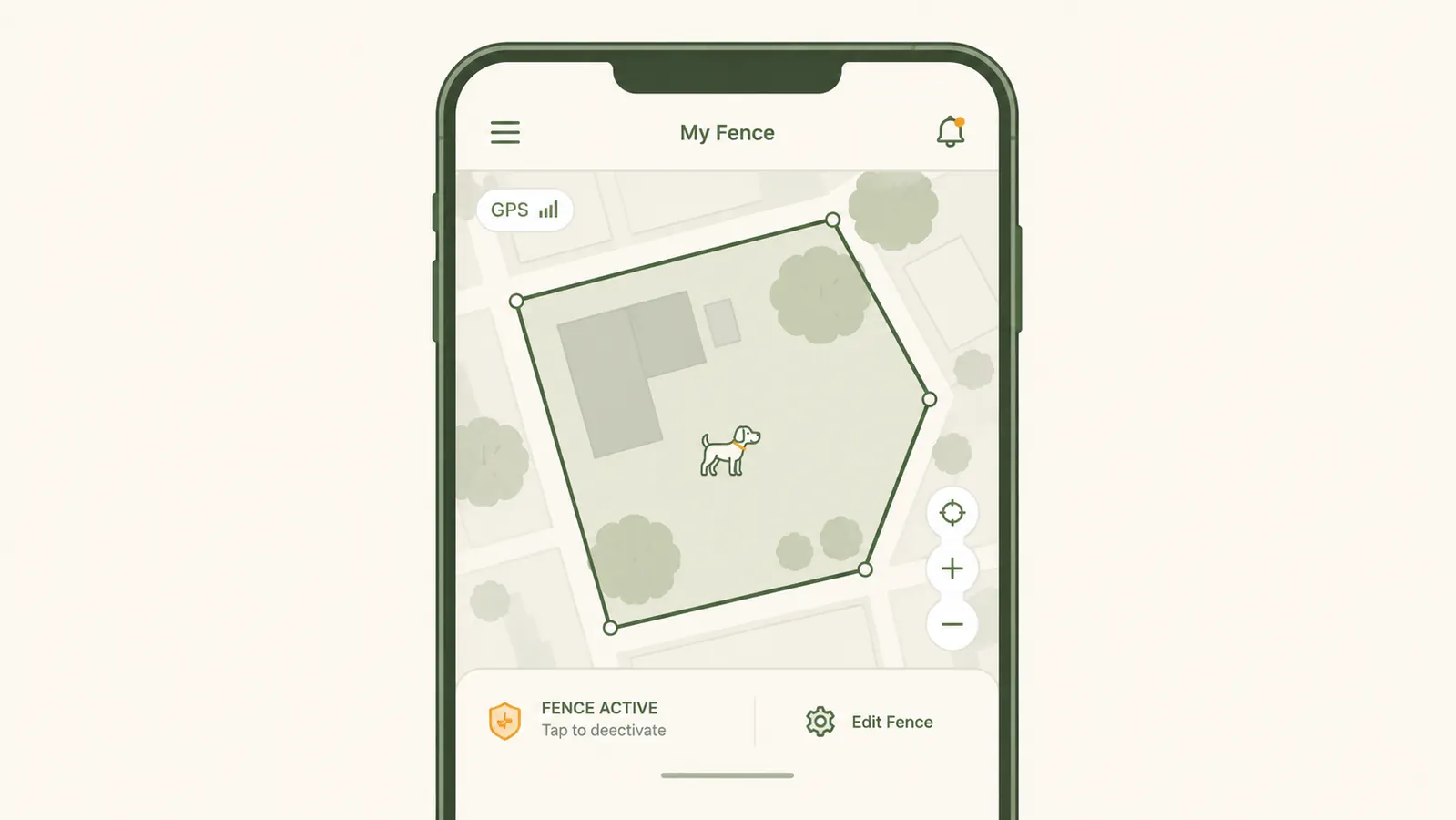
A few practical tips for drawing accurate zones: do it on the satellite view layer in the app, not the street map. The satellite view shows actual fencing, tree lines, and yard edges, so you can trace your real boundary rather than guessing from a street grid. And make the zone slightly smaller than your actual fenced area if you have one. You want the alert before she reaches the fence, not as she's squeezing through it.
Step 4: Configure Live Tracking and Alert Sensitivity
The Tractive has two tracking modes: standard and live. Standard mode pings a location every couple of minutes to conserve battery, which gets you roughly a week of use on a charge. Live mode pings every 2-3 seconds but drains the battery in about 18-24 hours. For everyday wear in your yard or a familiar park, standard mode is fine. The moment your dog leaves a safe zone, the app automatically switches to live mode so you can follow her in real time as you catch up to her.
In the app's notification settings, make sure push alerts are enabled and not being silenced by your phone's focus or do-not-disturb settings. I missed an early alert because I had my phone on sleep mode and the notification sat in the tray. Now I have Tractive alerts set as a priority notification that bypasses all focus modes. If your phone rings at 2am because your dog slipped out of the yard, that's the correct behavior.
The app also shows a breadcrumb trail of where your dog has been. I use this less for safety and more out of pure curiosity. Biscuit's daily route through the yard shows she has very specific patrol circuits she runs multiple times a day. When the route suddenly changes, that's often my first hint that something is off, like a new gap in the fence or a scent she's fixated on near the property edge.
The moment your dog crosses a drawn boundary, your phone buzzes. Not after a delay, immediately. That four-second response time is what turns a GPS tracker from a toy into an actual safety net.
Step 5: Build a Retrieval Routine Before You Ever Need It
A GPS tracker tells you where your dog is. Getting to her is still on you. Before you rely on this setup for real off-leash time, walk through a retrieval scenario in your head. If Biscuit's dot appears three blocks away, what's my fastest route? Do I have a leash near the front door? Is there a neighbor who can help cut her off? This sounds obvious until you're in it, adrenaline running, staring at a map and trying to think straight.
I keep a spare leash on a hook right inside my front door, specifically for this scenario. I've also told my two nearest neighbors that if they see Biscuit running loose, they can text me and I'll be there in minutes. The tracker handles the finding. The retrieval plan handles the catching. Both halves matter equally.
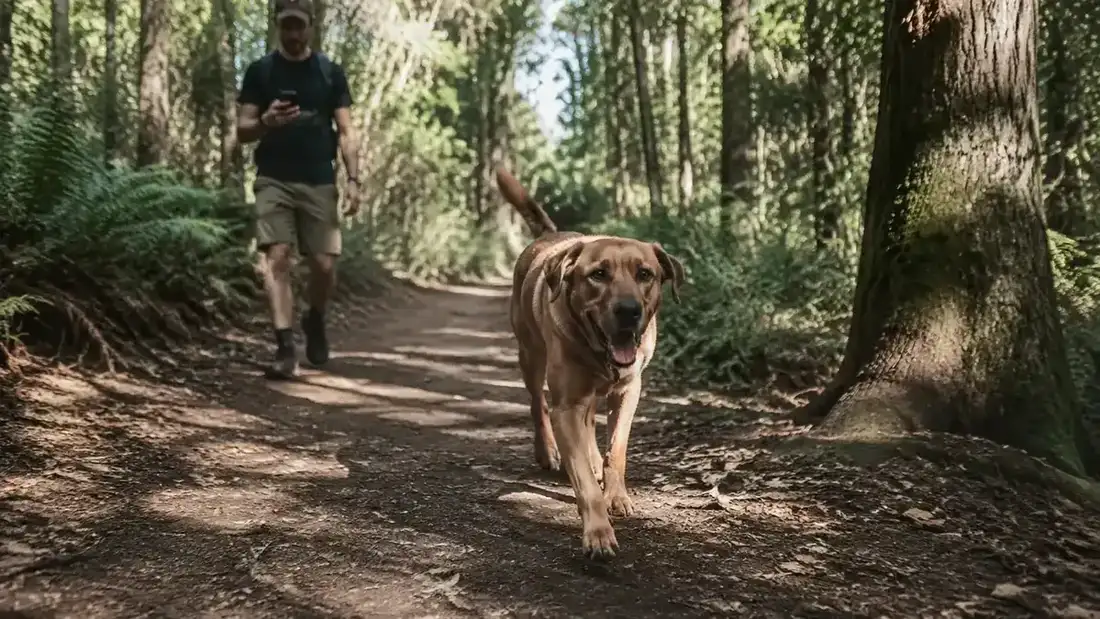
For trail hikes and off-leash park visits, I always check that the tracker has at least 40% battery before we leave the car. That gives me enough juice for several hours even in live tracking mode. The Tractive app shows battery level on the main screen so you never have to guess. If I'm heading somewhere I know has spotty cell service, I let my hiking partner know my dog is wearing a GPS and share my Tractive account location as a backup for theirs.
What Else Helps Keep Off-Leash Dogs Safe
The GPS tracker is your safety net, but a few other habits layer on top of it to reduce how often you actually need to activate that net. A solid recall command, practiced consistently in low-distraction environments before you ever try it around squirrels or other dogs, buys you time before a tracker alert even fires. Recall training isn't flashy but it directly reduces escapes. Pair that with an ID tag that has your cell number on the back, because sometimes a neighbor catches your dog before she gets far enough to need the GPS, and a phone number on the tag closes that loop faster than any app.
Microchipping, if you haven't done it, costs a modest amount at most vets and is permanent identification that no collar or tracker can replace. A GPS tells you where your dog is right now. A microchip is what gets her home if the tracker battery dies or the collar comes off. I think of it as the last line of defense, not a substitute. The combination of microchip, ID tag, good recall training, and the Tractive GPS covers most realistic escape scenarios from multiple directions, and that layered approach is what finally let me exhale during off-leash time.
For dogs who are chronic diggers or fence-checkers, a physical audit of your yard perimeter every few weeks is also worth building into your routine. Walk the fence line, push on each panel, look for low spots or lifted boards. I do this on the first Saturday of each month. It takes seven minutes and it's caught two potential escape routes before Biscuit found them. The tracker is the alarm system. The fence audit is the door lock. You want both.
Ready to stop holding your breath every time your dog gets near the gate?
The Tractive Smart Dog GPS Tracker pairs with your phone in minutes and gives you live location, virtual fences, and instant escape alerts. It's the single best piece of gear I've added to Biscuit's routine. Check current pricing and available subscription plans on Amazon.
Amazon Check Today's Price on Amazon →