
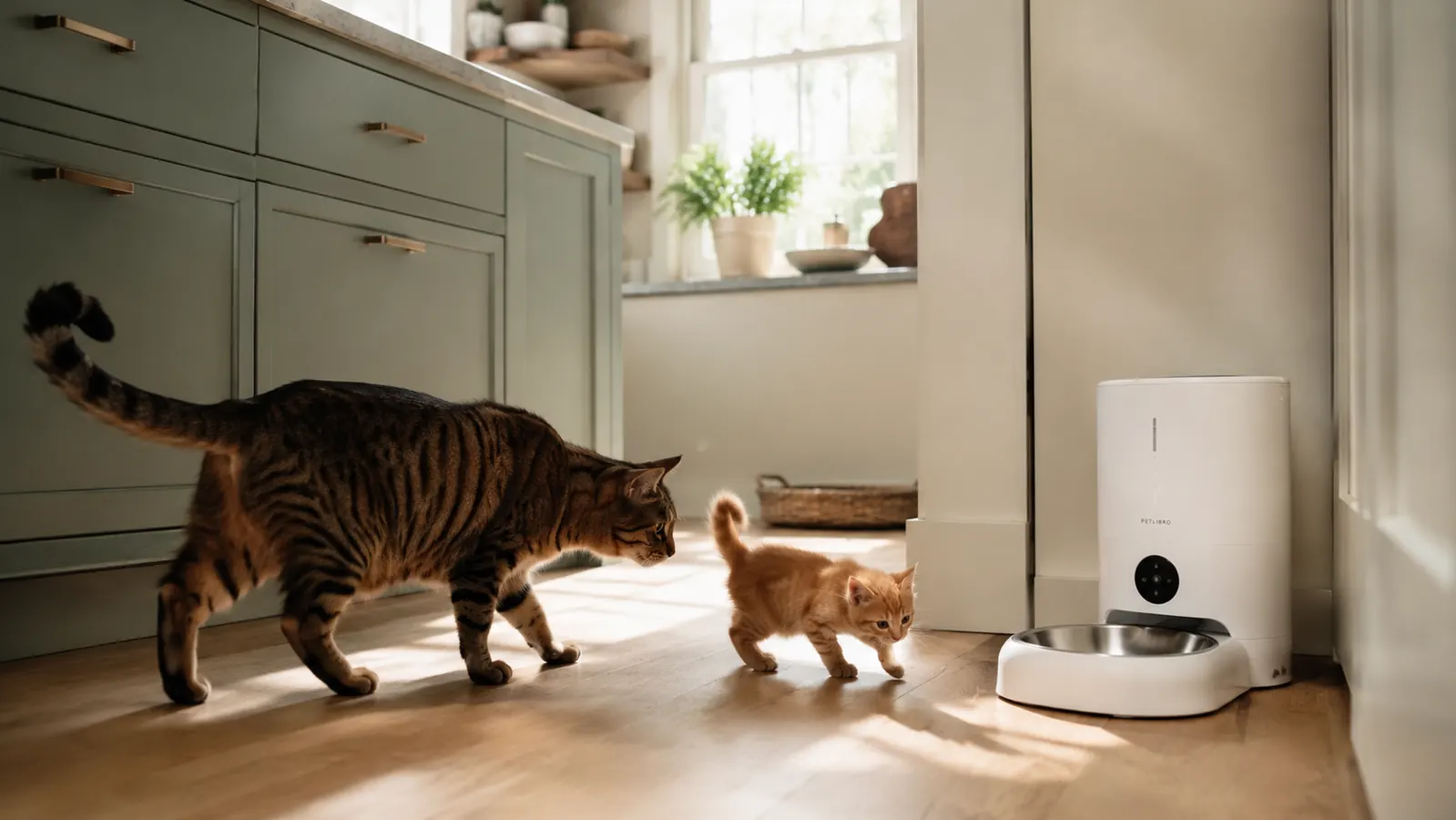
Miso is twelve pounds and has been on a vet-mandated calorie restriction since her annual checkup last spring. Clover is nine pounds and still on the lean side, so she actually needs more food per day, not less. For two years I hand-measured every meal, twice a day, for both cats, and I was still getting it wrong often enough that my vet started asking questions. When I finally bought the PETLIBRO RFID Automatic Cat Feeder, I told myself it was a convenience buy. Four months later I realize it was a health buy. The PETLIBRO RFID feeder reads each cat's collar tag and opens only for the cat that belongs to that bowl, so one cat physically cannot steal from the other. If you share your home with two cats on different portion plans, that single sentence is basically the whole review.
That said, there are real friction points worth knowing about before you pull the trigger. Setup took me about forty minutes longer than expected, the app has a few rough edges, and the collar tags are not small. I will cover all of it honestly, including the two things I wish I had known before I ordered.
The Quick Verdict
The RFID collar-sensor technology genuinely solves the multi-cat portion problem that basic timed feeders cannot touch, but the app setup and tag size are real trade-offs you should go in knowing about.
Amazon Check Today's Price →Still hand-measuring two different cats' meals and losing the battle every single day?
The PETLIBRO RFID feeder has over 19,000 reviews and a 4.2-star rating. Check today's price and current availability on Amazon before deciding.
Amazon Check Today's Price on Amazon →How I Have Used It Over Four Months
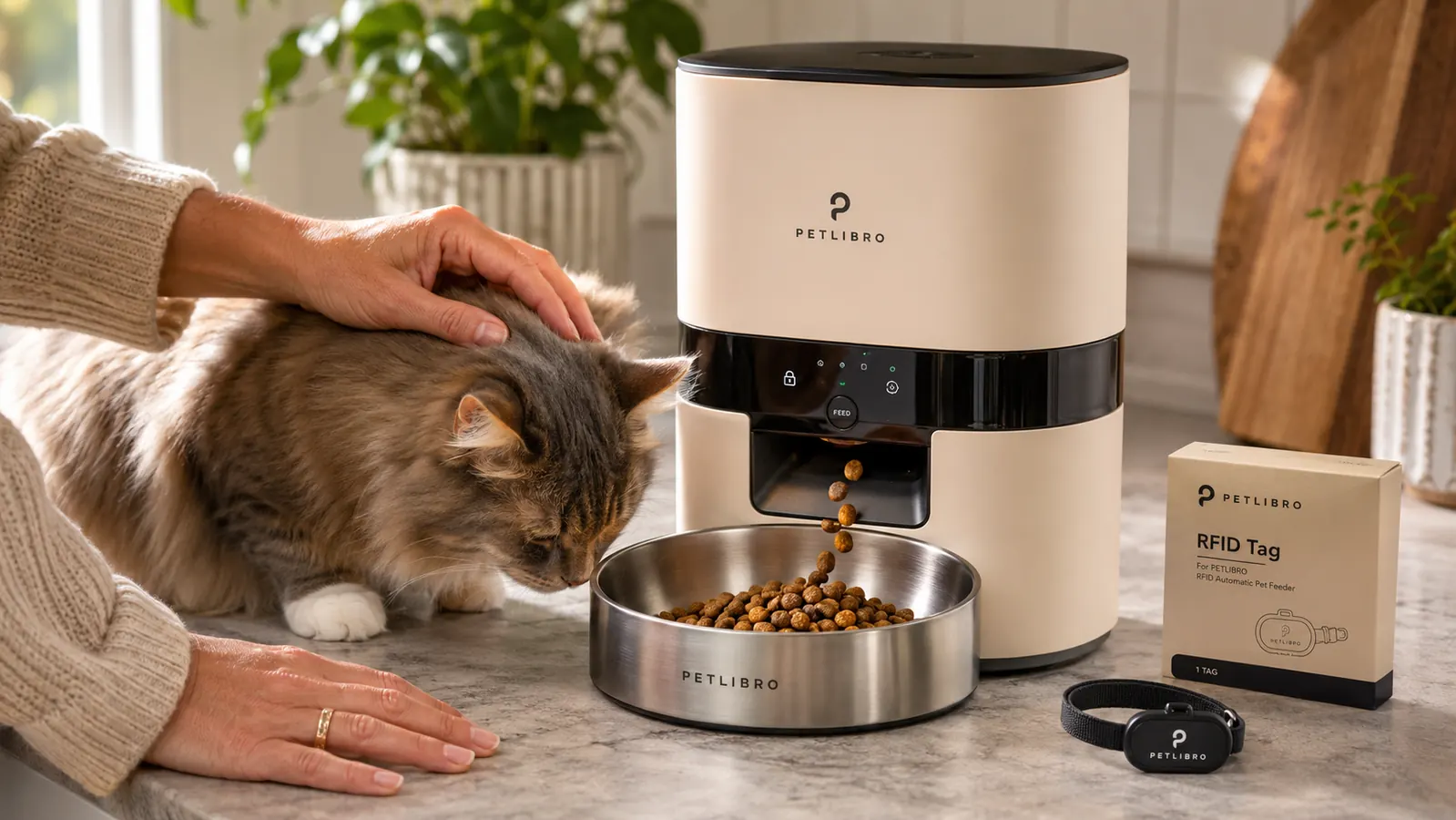
I run two PETLIBRO RFID units side by side on the kitchen floor, one assigned to Miso and one to Clover. Each cat wears a small RFID tag on her collar, and each feeder is programmed to open only when it detects its assigned tag. The feeder bowl is covered by a lid that pops open on schedule or when the right cat approaches, then closes again after the meal window ends. In practice this means Miso has been physically unable to eat from Clover's bowl, and vice versa, for four months straight. The technology is not magic, but it is remarkably reliable given how low-tech the collar tag itself is.
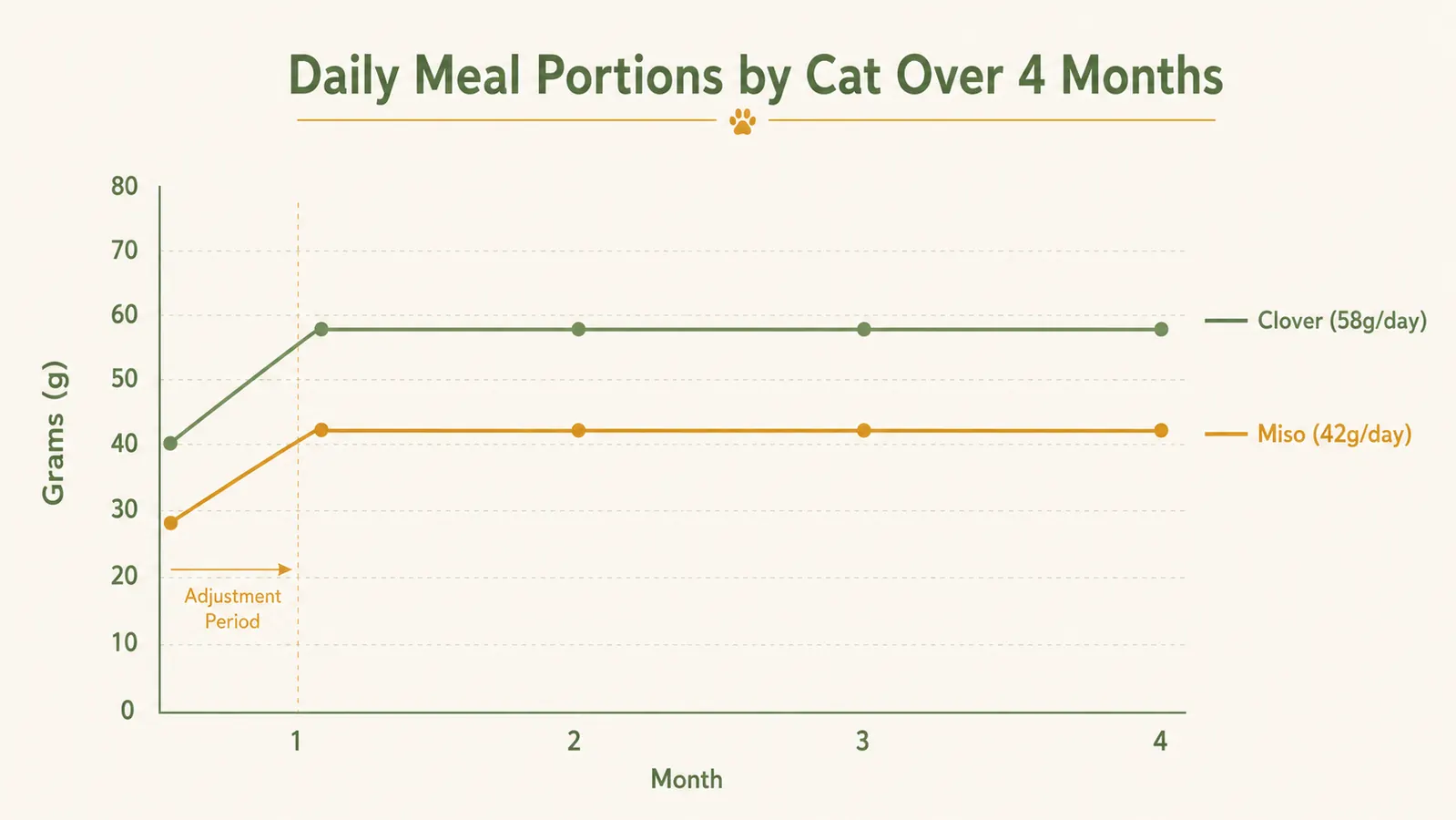
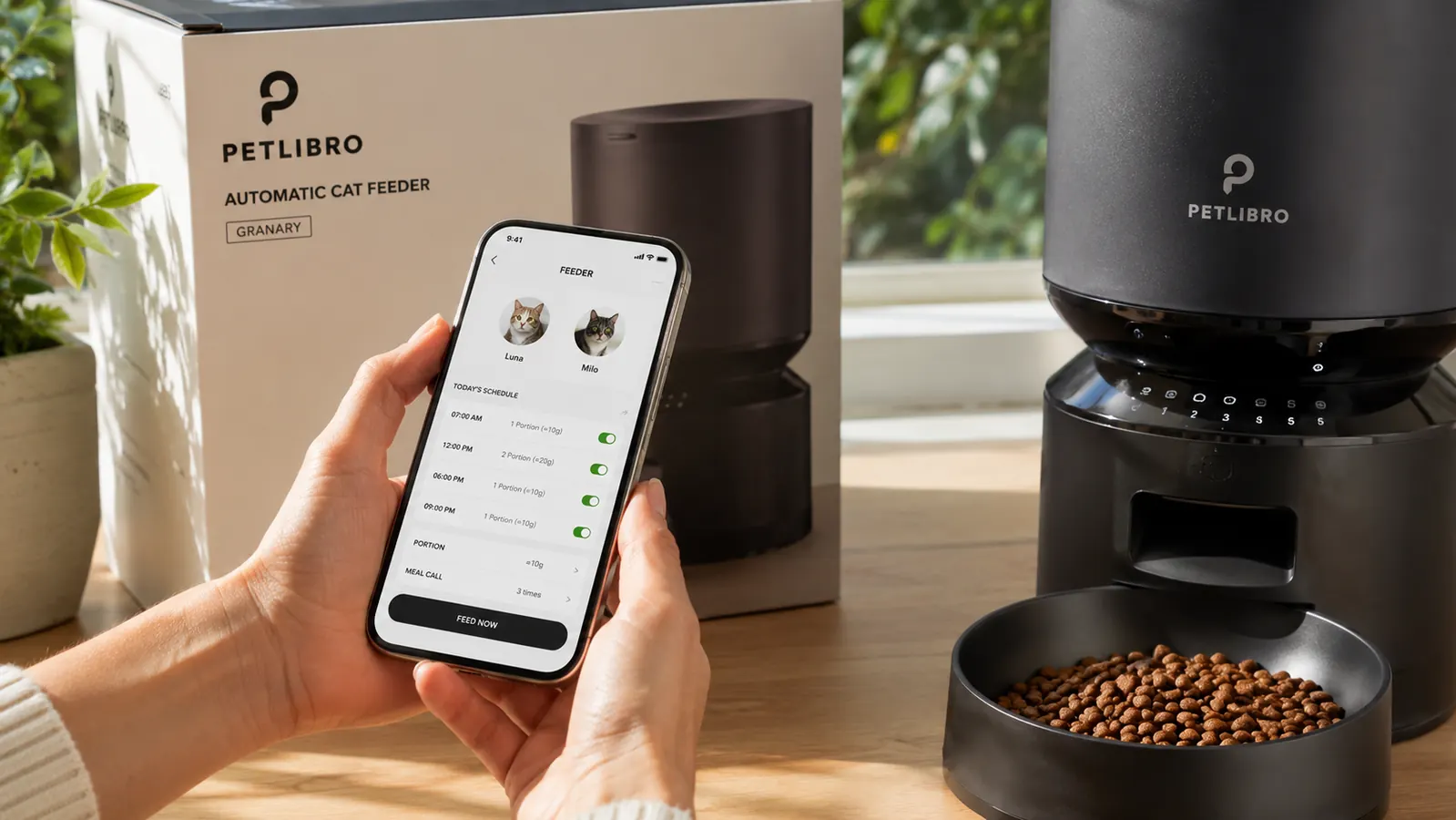
During month one I adjusted portion sizes twice, following my vet's recommendation of 42 grams per day for Miso and 58 grams per day for Clover, split across two meals each. The app lets me set those numbers per meal per cat, so I can do 21 grams at 7am and 21 grams at 6pm for Miso, and 29 grams at 7am and 29 grams at 6pm for Clover. Once that was dialed in, I stopped thinking about feeding entirely. That is not an overstatement.
I also took two short trips during this period: a long weekend in month two and a four-day stretch in month three. I asked my neighbor to just check that the units were powered on once a day. Both feeders ran on schedule without any manual intervention. Miso lost one pound over the four months. Her vet called it a textbook result.
The Collar Sensor: What the Technology Actually Does
The RFID tag that ships with each unit clips onto your cat's existing collar. It is roughly the size of a standard ID badge clip, maybe slightly smaller, and it weighs almost nothing. Each feeder is paired to one tag in the app. When the cat with the matching tag approaches within a few inches of the bowl, the lid motor activates and the bowl opens. When the wrong cat approaches, nothing happens. The lid stays shut.
I tested this about two dozen times in the first week, mostly by trying to trick it. I held Clover's tag near Miso's feeder. Closed. I put both cats at the wrong bowls simultaneously. Each feeder only opened for its matched cat. The sensor range is short enough that sitting nearby does not trigger it. The cat has to be within a few inches of the bowl opening, which is exactly where a hungry cat positions herself naturally.
The one legitimate limitation: if you have a very thick collar, the tag may not sit flush, and in my testing with a thinner breakaway collar it sat slightly at an angle. It still worked, but I switched Clover to a flat nylon collar just to keep the tag aligned consistently. Worth knowing if your cat already has a preferred collar style. Cats with strong collar aversion who pull tags off regularly will defeat the system.
Miso lost one pound over four months on a vet-mandated calorie plan I set and then forgot about. That is the whole case for this feeder.
Portion Accuracy Over Time
I spot-checked the dispensed weight against a kitchen scale eight times over the four months, always choosing random meals rather than scheduled tests. The dispenser was within one gram of the programmed amount on six of those eight checks. The two outliers were both two grams over, which at 42 grams per day is about a five-percent variance. That level of accuracy is genuinely better than I managed by hand, where I would sometimes rush the scoop and be off by five or six grams without noticing.
One important caveat: this feeder is designed for dry kibble only. I tried a semi-moist food once out of curiosity, and the dispenser jammed on the third meal. Dry kibble at the kibble sizes listed in the manual worked perfectly. Stick to what the specs call for and portion accuracy is simply not a concern.
App Setup and Daily Use
The PETLIBRO app is available for both iOS and Android. Pairing the feeder to the app took about twelve minutes per unit, which is longer than the instructions suggest but not frustrating once you understand the correct sequence. The order matters: connect to the feeder's WiFi network from your phone's settings app first, then return to the PETLIBRO app to complete pairing. If you try to do it in any other order, the app returns an error and you start over from scratch. This tripped me up twice before I read the printed in-box setup card rather than following the in-app prompts.
Once paired, the daily app experience is straightforward. I can see each cat's meal log, adjust schedules, and trigger a manual dispense if I need to. There is a feeding history screen that shows a timeline of when the lid opened and which tag triggered it. I checked this obsessively for the first two weeks and then almost never after that, which is probably the right sign that the system was working reliably on its own.
The app does have a few rough spots. Notifications for missed meals (when a cat does not trigger the sensor within a scheduled meal window) arrived inconsistently during month one, then settled down after a firmware update in month two. The UI is functional but not polished. If you are expecting a slick consumer-grade experience, temper your expectations a little. If you want reliable scheduling and log data that you can screenshot for your vet, it delivers.
Long-Term Durability: What Four Months of Daily Use Looks Like
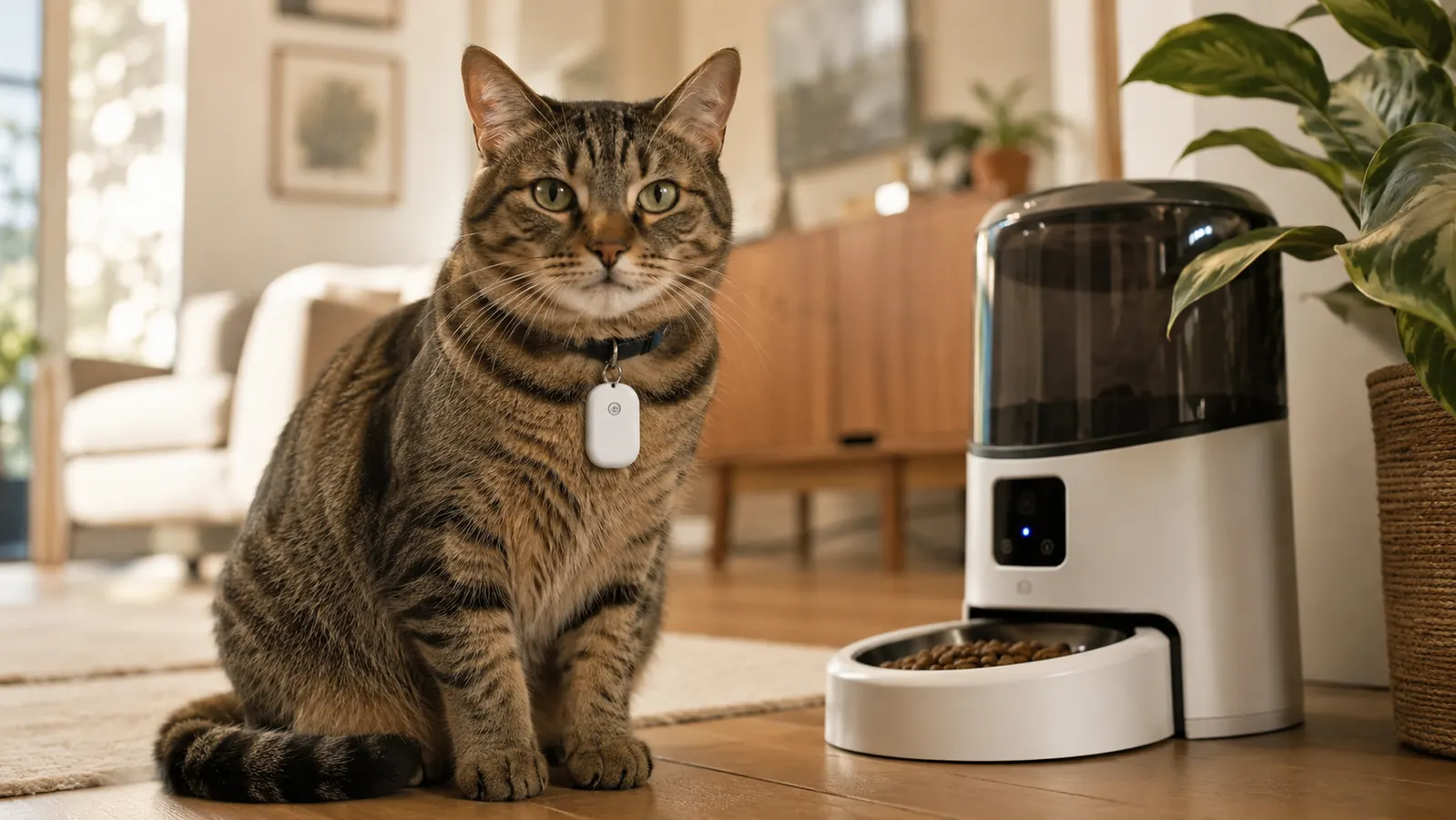
Both units are still running exactly as they were on day one. The lid motors have opened and closed twice per day per feeder, so roughly 240 lid cycles per unit over four months. No jamming, no grinding noise, no slippage in the lid mechanism. The exterior plastic has a few light scratches where Miso has pawed at the lid impatiently, but nothing that affects function.
The food hopper holds enough dry kibble that I refill it roughly every ten days for Miso (smaller daily portions) and every seven days for Clover. The hopper opening is wide enough that I can pour directly from the bag without a funnel, which sounds trivial but genuinely matters at 7am before coffee.
Cleaning is the one area where I have a legitimate complaint. The bowl, lid, and hopper detach easily and are dishwasher safe, but the RFID sensor housing around the bowl rim has a narrow gap that catches crumbs and dried food. It needs a bottle brush or a thin-tipped cleaning tool to clear properly. I do this once a week. It is not hard, but the step is not mentioned in the manual anywhere, and if you skip it for two or three weeks the area will start to smell. Consider it a hidden maintenance task.
What I Liked
- RFID collar sensing is genuinely reliable: wrong cat, closed bowl, every time in four months of testing
- Portion accuracy within one to two grams of the programmed amount across repeated spot-checks
- Two-cat setup managed from one app account works well once initial pairing is done correctly
- Food hopper holds enough dry kibble for 7-10 days between refills
- Battery backup means scheduled meals continue through brief power outages
- Meal history log provides useful data to share with your vet at check-ins
Where It Falls Short
- App pairing requires a specific setup sequence that the in-app prompts do not explain clearly
- Collar tag is not tiny, which may bother cats who already resist collar accessories
- Sensor housing gap collects food residue and requires weekly manual cleaning not mentioned in the manual
- Dry kibble only: semi-moist or wet food will cause dispenser jams
- Missed-meal notification reliability was inconsistent for the first several weeks
How the RFID Feeder Compares to a Standard Timed Feeder
Before this, I used a basic programmable timed feeder for about a year. It dispensed on schedule, which solved the twice-a-day manual feeding problem, but it dispensed the same amount regardless of which cat showed up. Miso learned very quickly that if she could get to Clover's bowl fast enough, she got double rations. A standard timed feeder gives you scheduled meals. An RFID feeder gives you scheduled meals and personalized portions that follow each individual cat regardless of who gets to the bowls first. For a single cat on a fixed diet, the standard version is probably all you need and costs significantly less. For two cats on different plans, the RFID system earns its price. I go into much more detail in my side-by-side breakdown of the PETLIBRO RFID versus a standard auto feeder if you want a full feature comparison before deciding.
Who This Is For
This feeder is purpose-built for multi-cat households where at least one cat is on a vet-prescribed diet, a weight management plan, or a different food than the other cat entirely. It is also a strong pick for owners who travel regularly and want a documented meal log to share with a pet sitter or vet, and for anyone who has spent meaningful time hand-measuring separate portions twice a day and is ready to hand that task off permanently. If you fall into any of those categories, the RFID technology pays for itself in peace of mind and fewer vet bills within the first few months. For a broader look at why timed feeders in general make daily pet care easier, I put together ten concrete reasons in my piece on why a timed pet feeder helps busy owners.
Who Should Skip It
If you have one cat on no dietary restrictions, the RFID system is more feeder than you need and you will pay a meaningful premium for technology you will never actually use. A standard programmable feeder at a lower price point will handle a single-cat household just as well for the basics. You should also skip this if your cat has strong collar-tag aversion and pulls accessories off regularly, since the tag has to stay on the collar consistently for the system to function. And if your cat's primary diet is wet or semi-moist food rather than dry kibble, this dispenser simply is not designed for that use case and you will run into jams.
Four months in, both cats are at their target weights and I have not measured a meal by hand since August.
Over 19,000 Amazon buyers have rated the PETLIBRO RFID feeder. Check today's price and see if the current deal makes sense for your household.
Amazon Check Today's Price on Amazon →